
A tutor account gives you circles, homework and a real view of what your learners did between lessons — and it includes full Pro Plus learner access for your own study. This article is what the account is, how verification works, and what it costs.
What the account adds
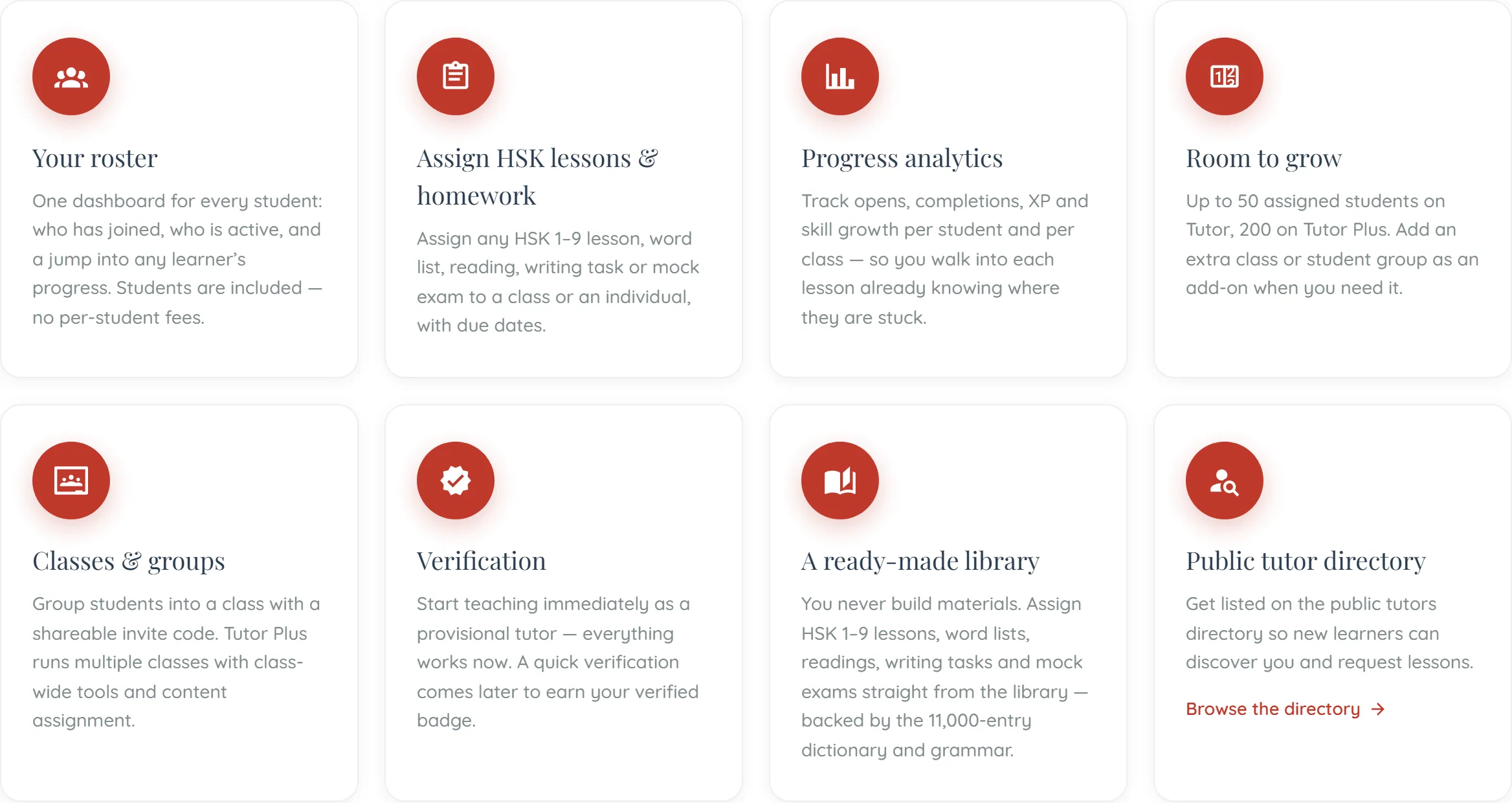
- Circles — A private space per group: roster, timeline, leaderboard and messaging.
- Assignments — Set a lesson, a unit or a passage with a due date, and see completion measured from the learner’s own checkpoints rather than from them telling you.
- Progress tracking — What each learner actually did, where they stopped, and where the group as a whole is thin.
- The Learning Lab — Each learner’s seven-facet profile — subject to what their own plan includes.
- Your own Pro Plus access — Included. A tutor plan is a learner plan with teaching on top, not an add-on to one.
Getting a tutor account
- Choose the tutor role — During onboarding, or by changing your account type afterwards.
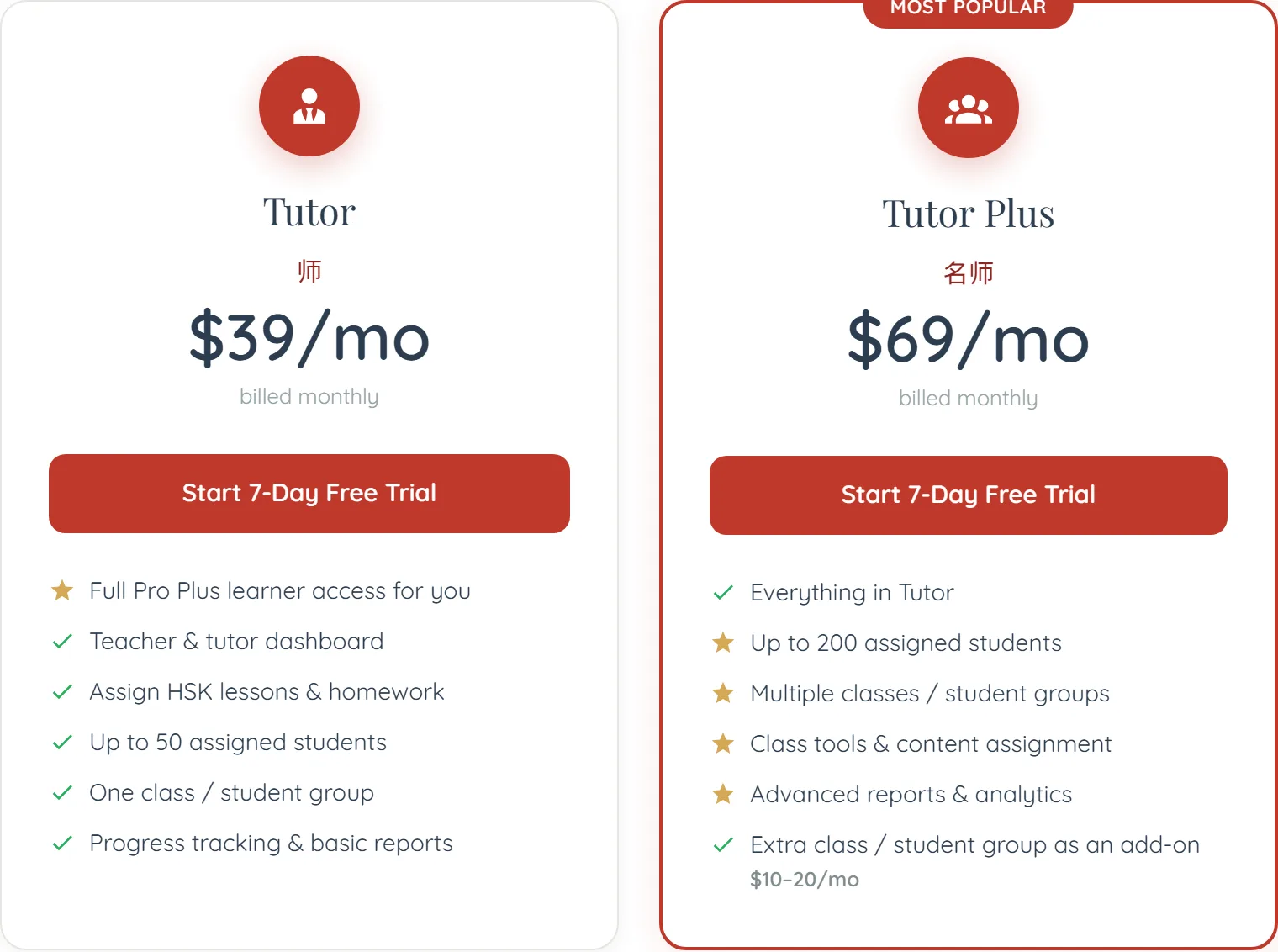
- Subscribe — Tutor at $39/month and Tutor Plus at $69 have the same features; the difference is the monthly AI budget — 1,500 credits against 12,000. Credits are what a seat in your circle costs (50 a month per student who is not on Pro, nothing for one who is), so the budget decides how many learners you can carry: roughly thirty against two hundred and forty. Yearly is two months cheaper.
- Start teaching immediately — Circles, assignments and tracking all work from the moment you subscribe. Verification is a separate thing and is not a gate on any of it.
Verification, and being listed
These are two different things and confusing them is the commonest tutor question.
Verified is ours: a new tutor account starts provisional, and we review it. Listed is yours: an explicit opt-in to appearing in the public tutor directory.
Appearing in the directory needs both. Neither is required to run circles, set homework or track learners — you can teach an entire cohort while unverified and unlisted, because they came to you rather than through us.
What your learners need
An account, and that is all — a free one is enough to join a circle and receive assignments. What their own plan decides is how much of the content they can open, and how many Learning Lab facets you can see about them.
You do not pay for their access and they do not pay for yours. See what your learners see.
Your first week as a tutor
- Create one Learning Circle — Not one per learner. One group, private by default.
- Invite two or three people first — Check the flow end to end before sending twenty invitations that all have the same problem.
- Set one assignment — A unit rather than a lesson, with a due date a week out.
- Look at the roster before your next session — Not to police it — to know where they stopped, which is the most useful thing you can walk into a lesson holding.
Common questions
No. Verification only controls whether you can appear in the public directory. Circles, assignments and tracking all work from the day you subscribe.