
A parent account is a learner account with a family workspace attached. You keep your own Chinese — this is not an observer role — and you gain child profiles, a view of each child’s progress, and the ability to give a child their own login when they are ready for one.
What it gives you
- Child profiles — A record per child with their name, age, level and goal. A profile is not a login — it is how you keep track before, or without, giving them one.
- A family view — Every child in one place, with what each has been doing.
- Per-child progress — The same figures your child sees about themselves.
- An explore launcher — Things worth suggesting, at each child’s level.
- Your own learning — Unchanged. A parent account is a full learner account.
The red banner swaps its tabs for Family, Stats, Explore and Guide once you are on a parent account.
Profiles and logins are different
This is the distinction the whole feature turns on.
A child profile is a record on your account. It holds a name, an age, a level and a goal, and it exists so you can plan around a child who does not have an account. It is not a person who can sign in.
A child login is a real account, created deliberately, with its own email and password. The child signs in themselves, studies themselves, and their progress is theirs. Creating one requires you to affirm guardian consent, and that affirmation is recorded.
How many children
Up to 20 profiles on an account, which is a technical ceiling rather than an expectation — it exists so a homeschool co-op or a childminder is not blocked.
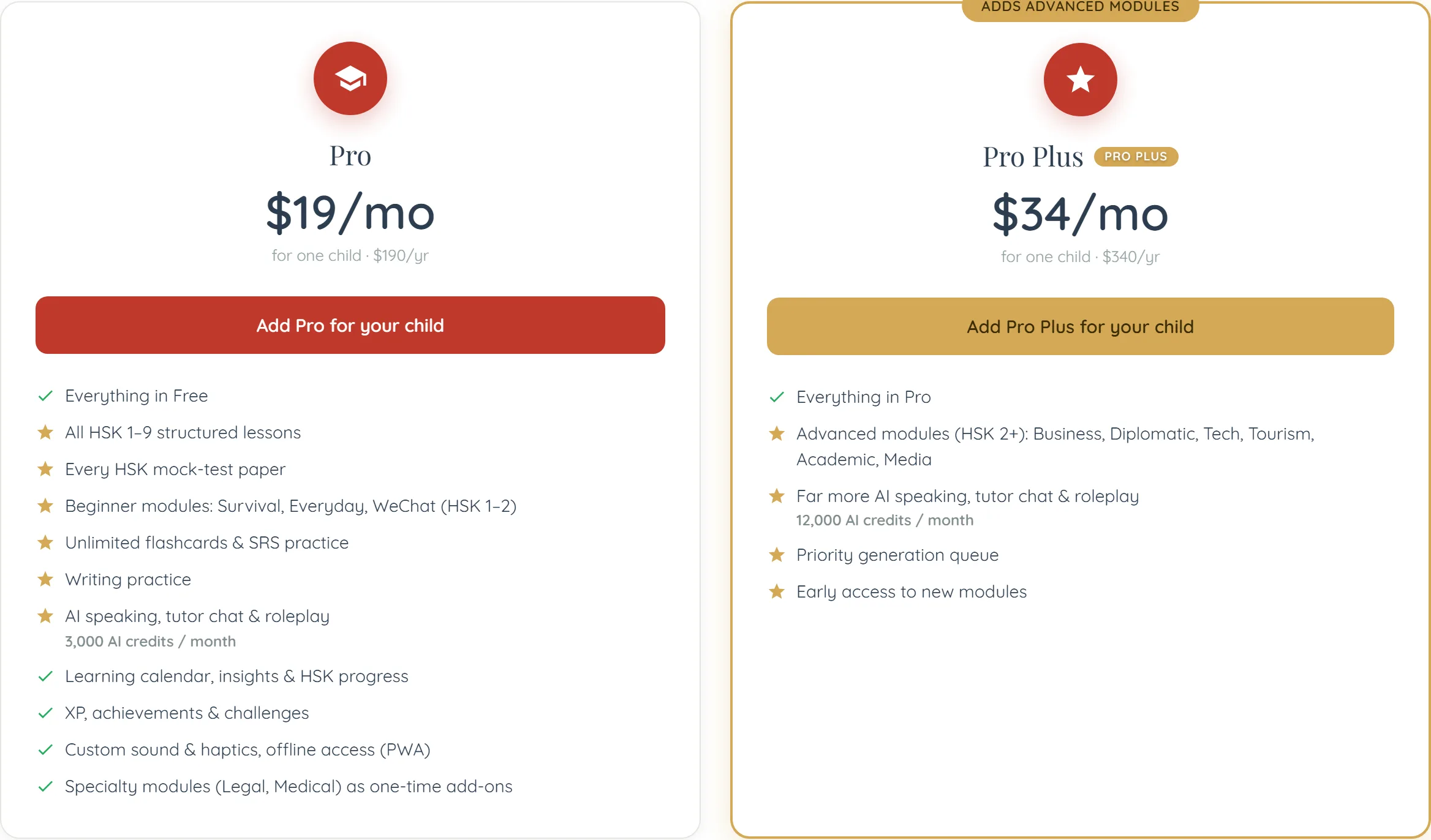
The Family plan at $39 a month covers Pro Plus access for up to two children, plus the parent dashboard and weekly reports, on one bill. Profiles beyond that are still tracked; what the plan covers is paid content access for the children who have logins.
Getting a parent account
- Choose the parent role — During onboarding, or by changing your account type afterwards.
- Add your children as profiles — Name, and optionally age, level and goal. Two minutes each.
- Decide about logins later — Nothing forces the decision now, and a profile is useful on its own.
Common questions
Yes. A parent account is a full learner account with the family workspace on top. Your lessons, progress and flashcards are unaffected.