
Spaced repetition is the difference between having met a word and knowing it. The deck here schedules each card for the moment you are about to forget it, which is both the least work and the most durable result. This article is how to use it without fighting it.
Without a plan: 20 reviews a day
Pro adds: No daily ceiling
How it works
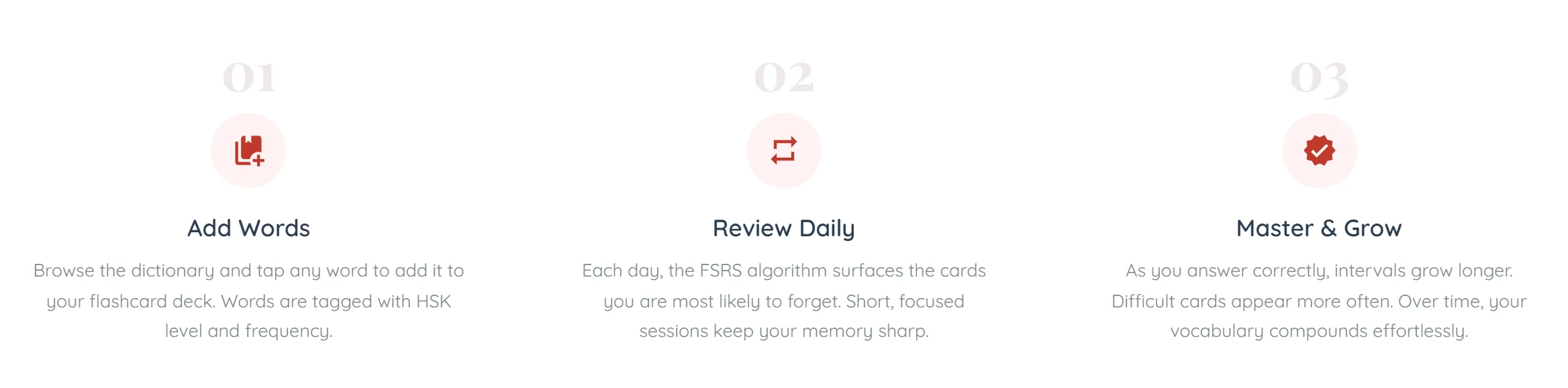
- Add a word — From a dictionary entry, from a lesson’s vocabulary section, or from the popup that opens when you tap any character on the site.
- See it when it is due — The deck shows you what is scheduled for today. Not everything you know — only what is close to slipping.
- Grade your memory honestly — Again, Hard, Good or Easy. Your rating sets when the card returns, so an inflated grade only hides the word until you have genuinely lost it.
- Let the interval grow — A word you keep getting right comes back in days, then weeks, then months. One you keep missing comes back tomorrow.

Why the intervals look odd
The scheduling uses FSRS, which models how memory for a specific card decays for a specific person, rather than applying a fixed multiplier to everyone.
The practical effect is that two words you learned on the same day can end up weeks apart, and that is correct — one of them is a word you find easy and the other is not. Do not try to even them out.
Fitting it into a day
- Review before new material, not after — Review is the part that decays if postponed. New words will still be there in twenty minutes; a lapsed card will have cost you the interval.
- Finish the queue — A short complete session beats a long partial one — cards left undone roll into tomorrow and the pile grows.
- Do not add fifty words at once — Every card you add today is a review you owe tomorrow, and the day after. Adding a lesson’s worth is sustainable; adding a wordlist is not.
- Come back after a gap without clearing the backlog — If you have been away, do a normal-sized session rather than the whole pile. The schedule recovers on its own.
What it costs
Flashcards cost no credits on any plan — scheduling is arithmetic, not AI, so reviewing never touches your balance.
A free account reviews 20 cards a day, which resets at your own midnight rather than at some server's. Pro and Pro Plus remove the ceiling. The daily count is of distinct cards, so a word you rate *Again* and drill a second time in the same session only costs you one.
The number of cards due is always the true one, whatever your plan — if forty are waiting and you can start twenty, the page says both rather than quietly showing you the smaller figure.
Common questions
No. No AI is involved in scheduling or grading a card — the whole deck is free to use as often as you like once your plan includes it.