
Setting up a school is four things in order: start your plan, invite your teachers, create your classes, then import your students. Doing them in that order means every student lands in a class with a teacher already attached, which saves a great deal of tidying afterwards.
Choosing how to start
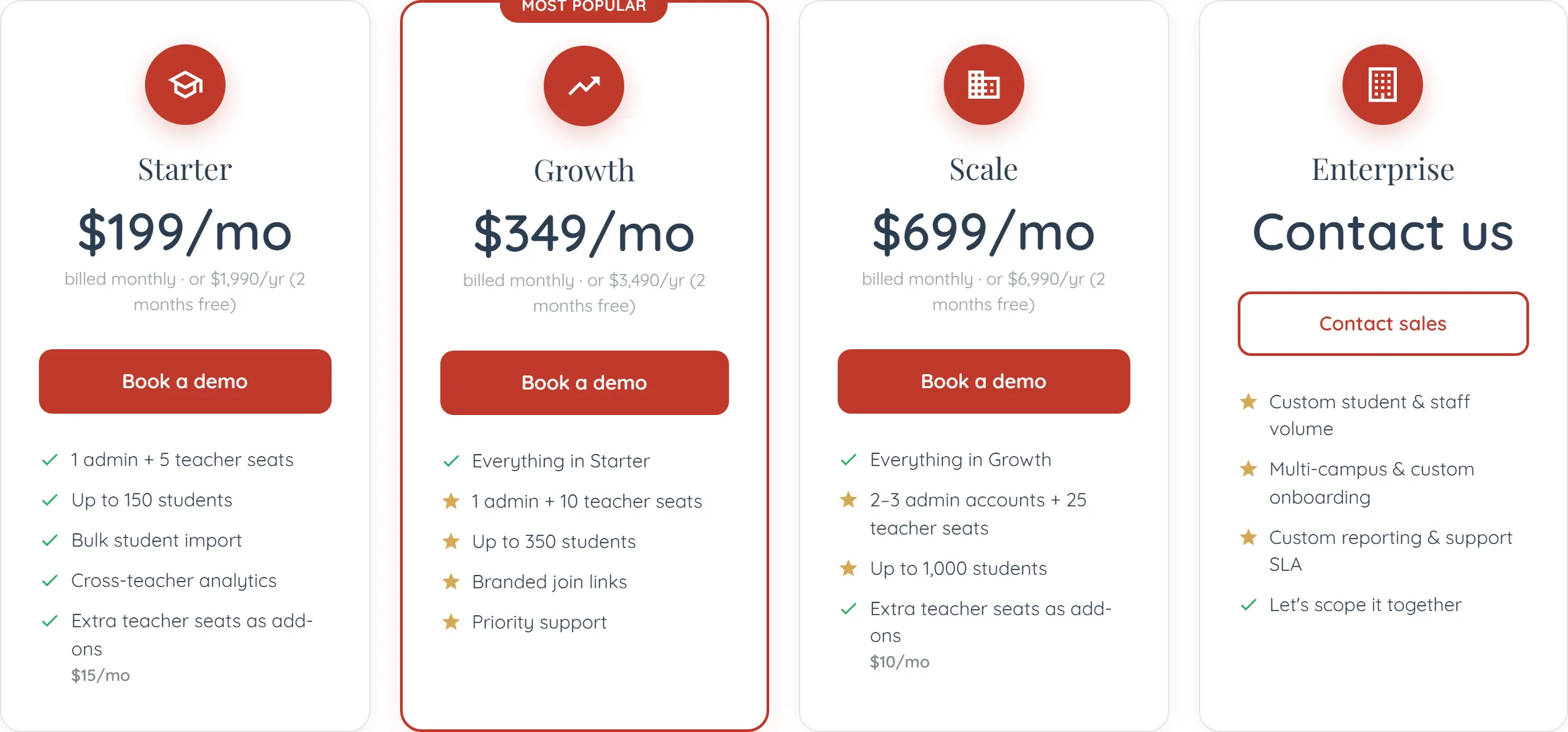
- The School plan — $299/month plus each student — 1 admin and 5 teacher seats included; students from $8 a month each, less above 500. Starts with a 7-day free trial, once per school.
- The Managed Pilot — $999 once — 8 weeks with one cohort of up to 100 students, set up with us. Plan billing starts when it ends, and the whole fee is credited against it.
- Enterprise — talk to us — Over 1,000 students or several campuses: invoiced, with volume pricing, custom onboarding, reporting and a support SLA.
The order to do it in
- Create the institution and start your plan — Name it as students and parents would recognise it, since it appears on join links and invitations. The last step of setup is choosing your student count and starting the trial or the pilot.
- Invite your teachers — Before students. A class needs a teacher, and a class with no teacher is a container nobody is watching.
- Create your classes — Matching how you actually teach — by year group, by level, by session. Do this before importing so the class column in your spreadsheet resolves.
- Import your students — CSV or XLSX, up to 500 rows a pass, with a class column. See importing students.
- Check one student end to end — Your own address in the first import. Claim the invitation, look at what a student sees, then send the rest.
Classes are circles
An institution class is an Institution Circle: roster, assignments, timeline, leaderboard, messaging and the Learning Lab, plus two things a tutor’s circle does not have — join requests and a moderator role, so a senior teacher can help run a class they do not own.
They are private by default. Made public, learners can request to join rather than joining outright, which is the right default for a school.
How you are described
A public institution can carry descriptive tags: education level (preschool through adult), programmes and exams (PSLE, Higher Chinese, O-Level, N-Level, IP, IB, IGCSE, conversational, business), and the HSK levels you cover.
These are deliberately factual — what you teach and prepare for. There is intentionally no "MOE-recognised" flag, because listings here are self-served and publishing an unverified recognition claim in Singapore is a risk we will not take on your behalf. See Singapore MOE alignment.
Who pays for what
The institution pays for its students and seats — one school bill. Teachers on your seats get their teaching tools; students get access through the institution rather than through personal subscriptions.
Credits remain per account — a student using the AI tutor spends from their own balance. If you need a shared pool across a cohort, that is a conversation to have with us rather than a setting.
Common questions
By students — count the ones who will use it this term. Teachers come with it: 5 seats included, more at $15 a month each.