
You do not need to know a character to read a page here. Every Chinese character on the site is tappable, and what comes back is a pronunciation, a meaning, an HSK band and — usually — a recording of a native speaker saying it. This is the single feature most worth knowing on day one.
Tap any character
Hover a character on a desktop, or tap it on a phone. A small card appears with:
- The strokes, animated — Every character in the word is drawn stroke by stroke, in order, as the card opens — the radical picked out in red.
- The pinyin — Tone-marked, and colour-coded by tone so the shape of the word is visible before you read it.
- A listen button — Where the entry has audio — a native recording, not a synthesised approximation.
- The first meaning — The primary gloss. For the full set of senses, the card links to the dictionary entry.
- The HSK band — Which level this word belongs to, so you can tell instantly whether it is something you are supposed to know yet.
- The radical and stroke count — Two more chips beside the band: the radical the character is filed under, and how many strokes it takes to write.
- Add to flashcards — One tap puts the word into your review deck. If it is already in there, the button says so rather than adding it twice.
Where it works
Nearly everywhere there is Chinese text: lesson dialogue, reading passages, listening transcripts, example sentences, grammar patterns, culture articles and the day’s Dragon Daily.
It does not run inside interactive exercises, and that is deliberate — being able to tap for the answer while you are being tested on it would make the test pointless.
When the card is not enough
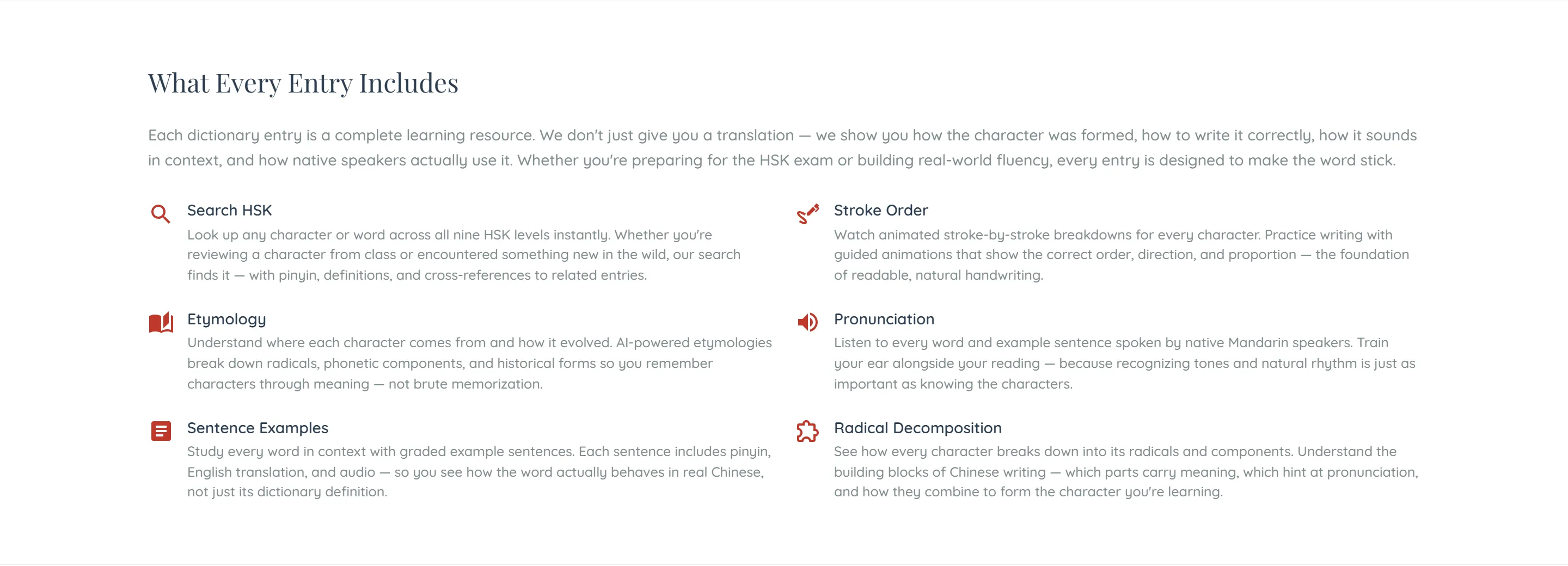
The popup is a glance. For everything else the dictionary entry has the whole picture: every sense rather than the first, the traditional form, the character’s etymology and its full component breakdown, example sentences at your level, related words, and where the word sits in the HSK ladder.
All of it is free and needs no account.
Hearing it
Audio on entries, lessons and passages is recorded once and served to everyone, so playing it costs you nothing and you can replay it as often as you like. If a listen button does nothing, that is almost always the browser’s autoplay policy rather than a missing file — one tap anywhere on the page first usually settles it.
Common questions
No. The popup and the dictionary read stored data; no AI is involved, so nothing is charged.